Table of Contents
Fediverse Timeline
From: Birds Versus Mammuts
- https://mastodon.social/@leonieke (Nov 2, 2016 – Nov 2, 2022)
- https://vitaulium.nl/@leonieke (Nov 2, 2022 – Nov 10, 2022)
- https://pixelfed.social/@leonieke (Nov 6, 2022 – Jan 16 2025)
- https://pxlfd.fenslaw.nl/@leonieke (Jan 16 2025 – June 13, 2025)
- https://mstdn.social/@leonieke (Nov 10, 2022 – Jul 7, 2023)
- https://vitaulium.nl/@leonieke (Jul 7, 2022 – Jan 6, 2024)
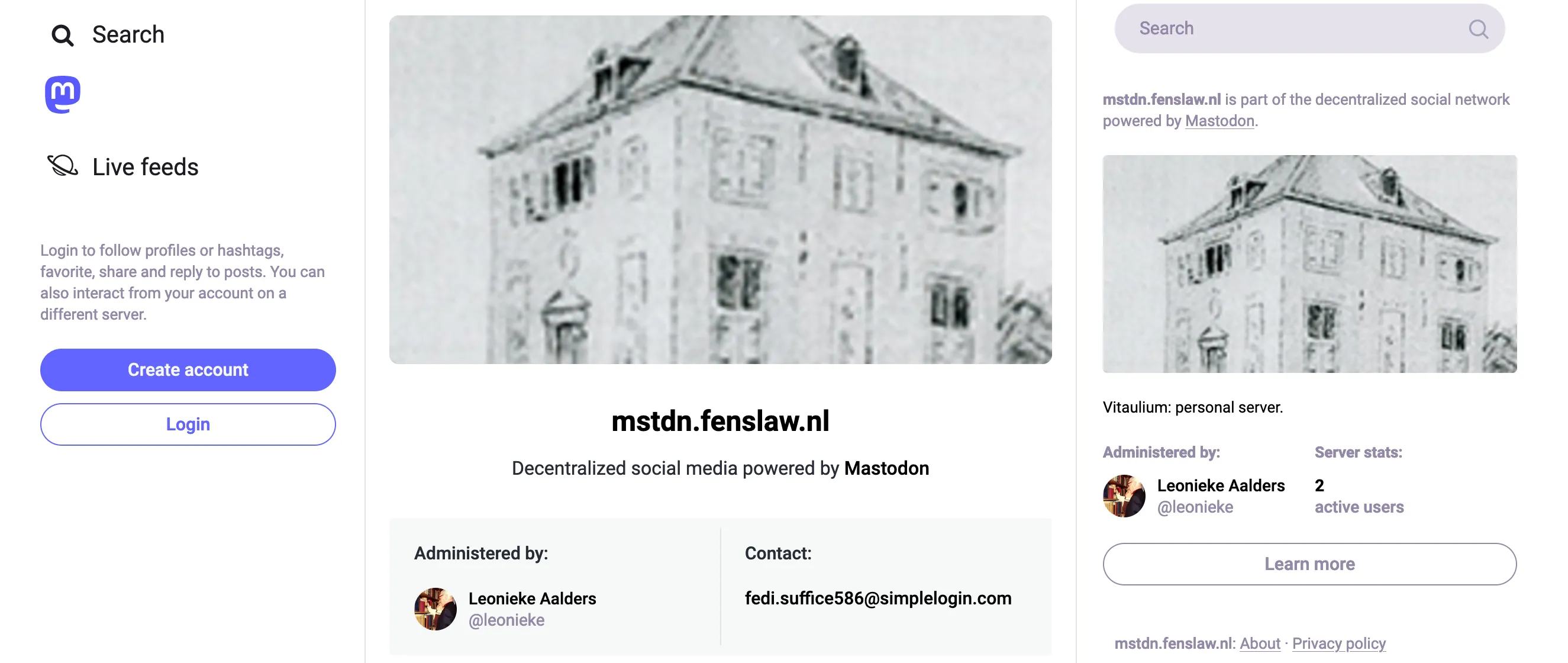
- https://mstdn.fenslaw.nl/@leonieke (Jan 6, 2024 – June 11, 2025)
- https://squilla.vitaulium.eu/@leonieke (June 10, 2025 – ytd)
Running A Self Hosted Mastodon Server
As you can see from the username/instance list above, I have moved around quite a bit since I became active again in the fediverse. Previously I ran a firefish server, but with uncertain project development, I opted to go back to mastodon with all images running via S3 storage.
Setup
- Server: 4 GB Memory / 2 Intel vCPUs / 120 GB Disk / Debian 11 x64
- S3 Storage: DO Spaces
Via DigitalOcean, I have set up a droplet to run yunohost. Via yunohost, I have installed the mastodon application. On this droplet, I also run other applications, so it’s a shared diskspace.
Lessons Learned
Take some time to find how much you want to spend each month, because if you are not careful, the costs will grow dramatically. I expect to run my yunohost server (including mastodon) for about 40 USD/month. I need to figure out what to do with my old firefish server, because that runs for about 30 USD/month and I’d prefer to retire it, but not before I can transfer old posts to mastodon.
Tips & Tricks
- S3 Storage working for all images:
- Get S3 Storage
- I found a combination of information worked for my setup at DigitalOcean, just know you need to adjust
.env.production:
- After Yunohost mastodon package update, copy back in stmp and cdn information from
.env.productionsaved as a backup file. - Adding/removing theme: not as easy as you might think! (via: https://www.opensourceagenda.com/projects/tangerineui-for-mastodon)
- copy files to app/javascripts/styles/foldername (via cyberduck/sftp)
- adjust config/locales/en.yml (via cyberduck/sftp)
- adjust config/themes.yml (via cyberduck/sftp)
sudo su(to become root)su - -s /bin/bash mastodon(to be come user=mastodon)- go to mastodon/live
RAILS_ENV=production bundle exec rake tmp:cache:clearRAILS_ENV=production bundle exec rails assets:precompile- exit user=mastodon, back as root
sudo systemctl restart mastodon-web mastodon-sidekiq mastodon-streamingsudo systemctl restart postgresql
To Do
- find a way to clear the cache, memory buffer(s) and diskspace regularly (see https://codeberg.org/Fedimins/mastodon-maintenance-tasks)
- ⬆️ learn about redis/sidekiq (see https://thenewstack.io/how-to-boost-mastodon-server-performance-with-redis/)
- clean up firefish instance